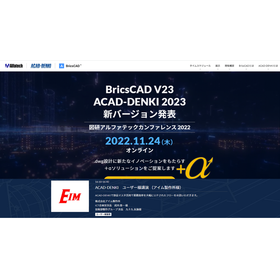
[Introduction Materials / Seminar Now Recruiting] With new features packed with 35 years of know-how in electrical design compatible with AutoCAD/BricsCAD, it has become even easier to use.
 図研アルファテック
New Feature 1: Enhanced Drawing Search Functionality
The search functionality for past drawings has been enhanced. Information within the drawings (equipment information, text, etc.) can now be searched, and once a drawing is loaded, it can be searched quickly.
*Requires Standard Pack or higher, or the Electric Cabinet option.
New Feature 2: Bulk Editing of Component Information
A dialog for bulk editing component information within drawings has been added. For example, it can check for duplicate device numbers that arise when consolidating past drawings and allows for bulk editing. Additionally, consistency checks with the database and bulk replacement of old symbols are now possible.
Functionality Improvement 1: New UI Customization Menu
A new interface has been added. Here, frequently used commands can be consolidated, and custom commands can be registered. This new menu is also easily shareable among users. Settings will be carried over during version upgrades.
Functionality Improvement 2: Registration of Manufacturer Parts
It has become easier to register symbols for outline drawings from drawings downloaded from component manufacturer websites, etc.
Details will be introduced at the BricsCAD/ACAD-DENKI New Features Presentation.

Inquiry about this news
Contact Us OnlineMore Details & Registration
Details & Registration
Related Documents
Related Links
On November 24th (Thursday) from 14:00, we are currently accepting participants for the "BricsCAD/ACAD-DENKI New Features Announcement (Online)" event.
Related product




Related catalog(3)
Distributors