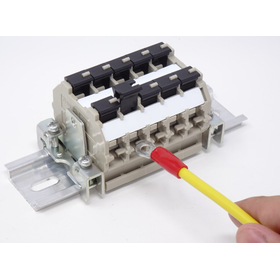
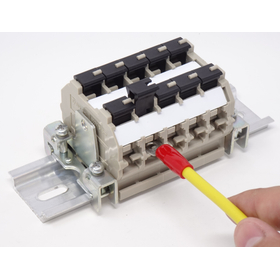
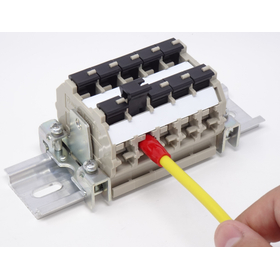
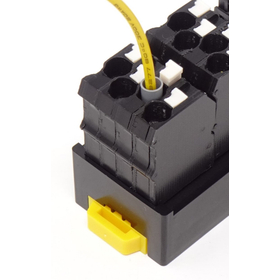
Japan F.T.B. Co., Ltd. Terminal Block for Circuit Boards
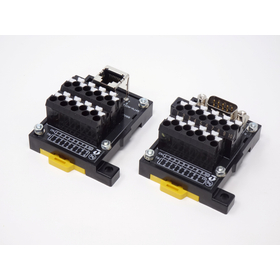
Various terminal blocks for circuit boards. This is Japan F.T.B. Co., Ltd., specializing in terminal boards for railway signals. Our company handles various terminal boards for railway and general use.
Japan F.T.B. Co., Ltd. has always considered it our company's mission to respond to customer needs in the field of both thermosetting and thermoplastic resin molding since our establishment. We have worked diligently to achieve this and have gained the trust of our customers in the fields of terminal boards for railway signals and precision parts for OA equipment. 【Featured Products】 ○ Terminal blocks for circuit boards ● For detailed dimensions and other information, please contact us or request a catalog.
- Company:日本エフ・ティ・ビー
- Price:Other


![Terminal blocks for electric vehicles (EV/HV) [Technical materials available]](https://image.mono.ipros.com/public/product/image/f63/2000887226/IPROS58648350892898113710.jpeg?w=280&h=280)


![Round crimp terminal, plug-in terminal block [patent pending]](https://image.mono.ipros.com/public/product/image/2001615394/IPROS345322421683652981.JPG?w=280&h=280)