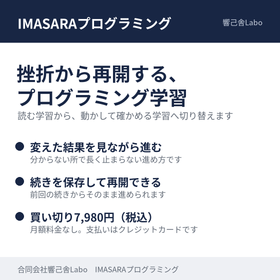
What should beginners start with? Introduction to Programming | IMASARA Programming
Programming Learning IMASARA Programming

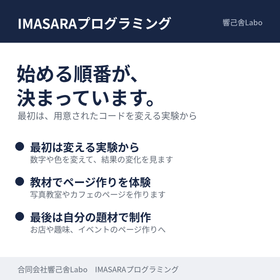
I don't know where to start. In such cases, you can begin by experimenting with changing parts of the provided code.
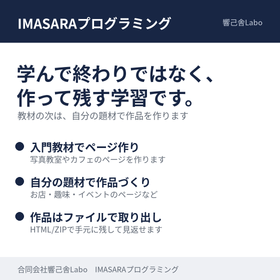
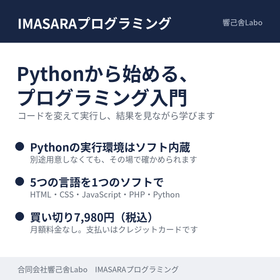
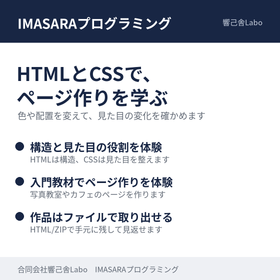
I want to start programming, but I don't know where to begin. IMASARA Programming is an introductory learning software for Windows that has a set order for starting. At first, you will begin with experiments by changing parts of the provided code. You simply change numbers and colors, run the code, and see how the results change. There's no need to write code from scratch; you will get to understand the mechanics while observing the results of your changes. Once you get used to the experiments, you will move on to introductory materials for creating pages for photo classes or cafes. Finally, you will progress to creating works based on your own subjects, such as pages for your store, hobbies, or events.
Inquire About This Product
basic information
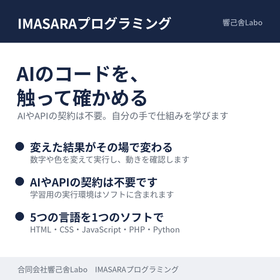
【Product】Programming Learning IMASARA Programming 【Languages to Learn】HTML, CSS, JavaScript, PHP, Python 【Learning Method】Change the numbers and colors of the provided code and learn by observing the changes in the results 【Materials/Projects】Introductory materials for creating pages for photography classes and cafes are provided. You can also create projects based on your own topics. 【Saving/Output】Projects can be exported as files (HTML/ZIP). Progress can be saved in JSON format and resumed later. 【Operating Environment】Only on computers with Windows 11 (64-bit, x64). Recommended browsers are Google Chrome or Microsoft Edge (latest version). 【Others】No need for AI or API contracts like ChatGPT for learning. The software includes a PHP/Python execution environment for learning. Internet connection is required for purchase, download, and initial authentication, but learning can be done offline after authentication. Not available for Mac. PHP saving uses virtual files within the software. If you want to run PHP/Python projects outside the software, please prepare the execution environment. For web publishing, please prepare a server or similar setup.
Price information
Windows version - one-time purchase for 7,980 yen (tax included). No monthly fees. Payment is by credit card. Purchases are accepted on the official website. Please check the latest availability and system requirements on the official website.
Delivery Time
Applications/Examples of results
【Usage Examples】 - It can be used by those who don't know where to start and are stuck at the first step. - It can be used by those who want to start with experiments to change things rather than writing code right away. - It can be used by those who want to progress gradually following the order of the teaching materials. This is for Windows 11 (64-bit) computers only and is not available for Mac. An internet connection is required for purchase, download, and initial authentication, but learning can be done offline after authentication.
catalog(1)
Download All Catalogs
Company information

Hibiki Kisha Labo LLC is a company that provides AI business support tools, web application development, DX implementation support, AI utilization courses, and marketing automation, among other services. The goal is not merely to "use technology," but to constantly consider "what can be achieved with it" and "what value can be delivered to whom." Even vague concerns like "Is there a way to do this?" or "I want to make it more efficient" are welcome. Please consult us for your first step in digital utilization.